DigiLocker Alternative: Nexa Life Vault Compared
Looking for a DigiLocker alternative? Compare DigiLocker and Nexa Life Vault on documents covered, reminders, family access and security, side by side.
Nexa Life Vault vs DigiLocker: Which Is Better for Storing Your Documents?
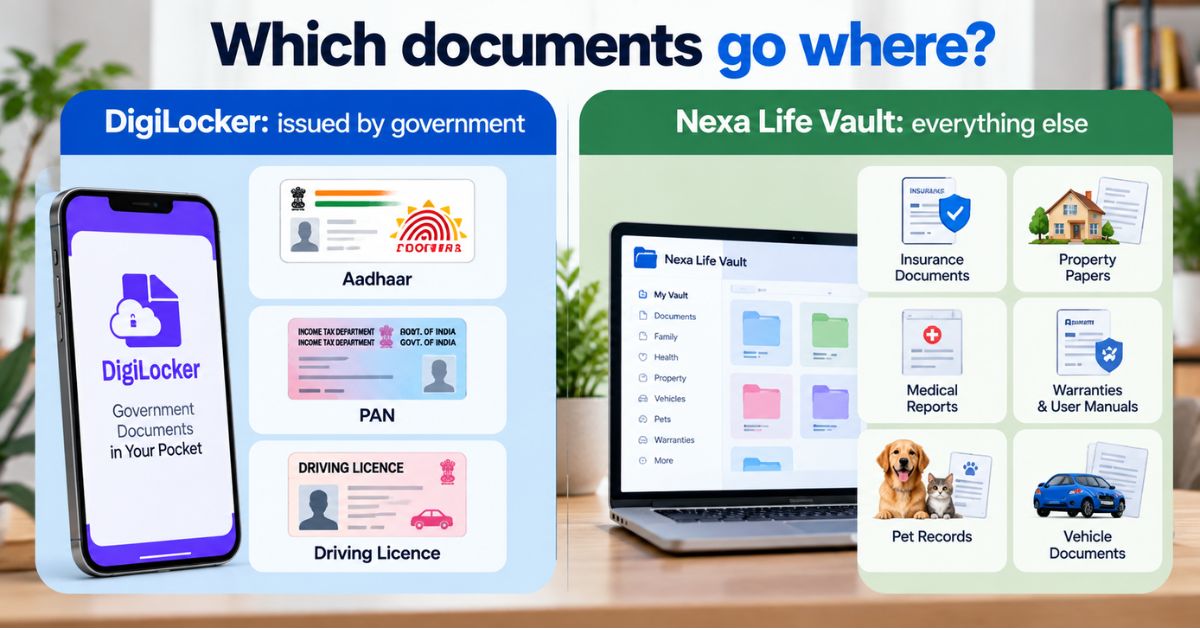
DigiLocker is the better choice for government-issued documents such as Aadhaar, PAN and driving licence. Nexa Life Vault is a DigiLocker alternative for the rest of your paperwork: insurance, property, medical, vehicle and family records. Neither replaces the other, and many people use both.
Last updated: September 2026
Your Aadhaar and PAN are easy to find. Your home loan sanction letter, your mother's discharge summary and the warranty on the fridge are not. Most people searching for a DigiLocker alternative are not unhappy with DigiLocker. They have just noticed it doesn't cover everything they need to keep safe. This article compares the two side by side and helps you decide what to store where.
DigiLocker vs digital vault: how do they compare side by side?
The simplest difference is the type of document each one is built for. DigiLocker focuses on documents issued by government bodies and other issuers. Nexa Life Vault is built for all the documents in your life, sorted into 12 vaults.
|
Feature |
DigiLocker |
Nexa Life Vault |
|---|---|---|
|
Main purpose |
Government-issued and issuer-linked documents |
All life documents in one place |
|
Best for |
Aadhaar, PAN, driving licence, marksheets fetched from issuers |
Insurance policies, property papers, medical reports, warranties, pet and vehicle records |
|
Organisation |
Issued documents and uploaded documents |
12 vaults: Health, Family, Finance, Business, Legal, Digital, Travel, Vehicle, Pet, Education, Home and Job |
|
Expiry and renewal reminders |
Not a core feature (verify on the official site) |
Smart Document Alerts |
|
Access for family after you |
Not a core feature (verify on the official site) |
Nominee & Executor Access |
|
Search |
Browse by document type |
AI-powered search and Cross-Vault Intelligence |
|
Mobile |
Mobile app available |
Mobile Access |
|
Data location |
Government of India platform |
Regional Data Residency |
|
Encryption |
See DigiLocker's official security information |
AES-256-GCM with per-file keys; files decrypted only in server memory for authorised requests |
For a full feature list, see the Nexa Life Vault features page. You can also find a shorter version in the comparison section on the homepage.
What is DigiLocker good at?
DigiLocker is run by the Government of India, and that is its biggest strength. Documents pulled in from the issuer, such as your Aadhaar, PAN card or driving licence, come straight from the source. You don't scan anything or worry about a blurry photo.
Under the IT rules for digital lockers, issued documents in DigiLocker are meant to be treated like the originals. Whether a particular office accepts a digital copy can still vary, so verify with the official source, DigiLocker's own website and the requesting office, before relying on it.
What are DigiLocker's limitations?
These are not flaws. They come from what DigiLocker was designed to do. But they are the reasons people look for a DigiLocker alternative.
-
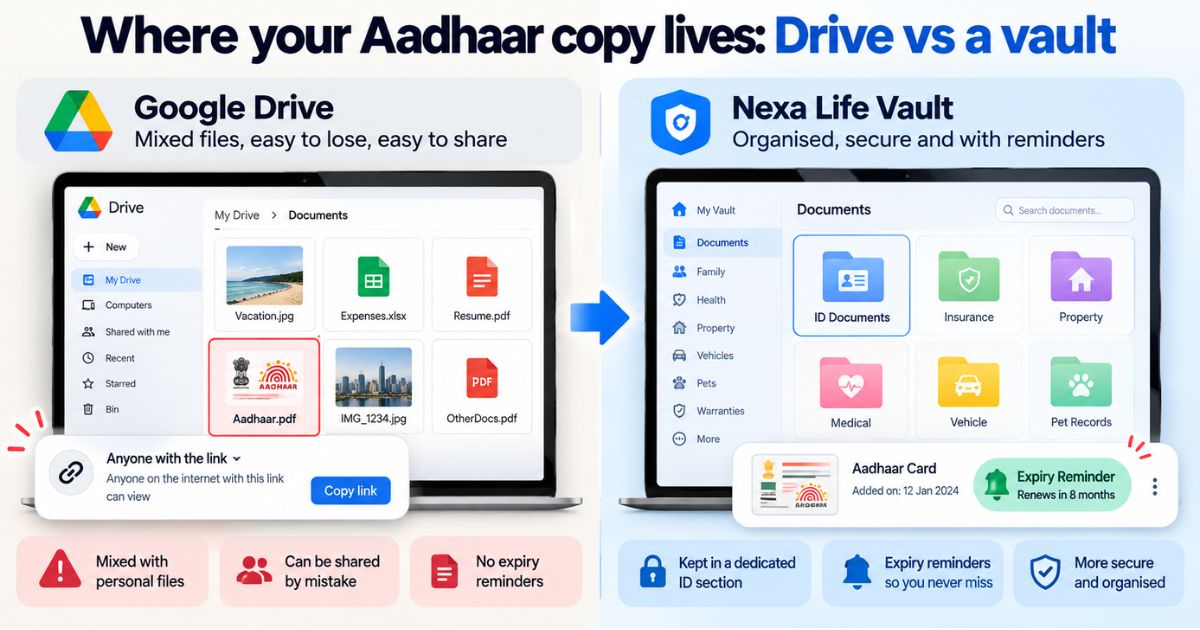
It centres on government documents. Your rent agreement, health insurance policy, school fee receipts and pet vaccination card were not issued by a government body, so you would have to upload them yourself.
-
Uploaded files have no certificate of their own. Documents you upload are your own scans. They are not verified copies from an issuer.
-
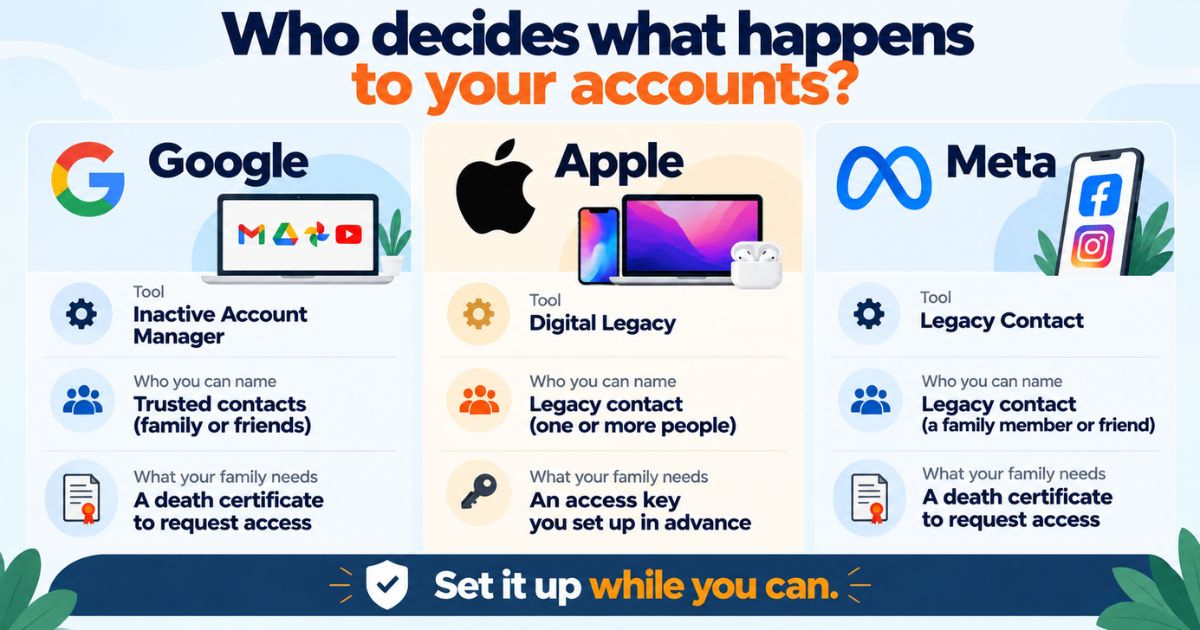
Planning for your family is not its focus. If something happens to you, will your family know where your policies and property papers are? Check DigiLocker's current features to see what it offers here.
-
Renewals are left to you. Passport, vehicle insurance and PUC dates are easy to miss when nothing reminds you.
Common mistake: Assuming DigiLocker holds "all your documents" because your ID cards are there. Sit down once and list what is missing: insurance, loan papers, property documents, medical reports. That list is what a second tool should cover.
Is DigiLocker safe?
DigiLocker is a government platform, and many people trust it for official documents. For its exact security measures, read the information on the official DigiLocker website.
Safety also depends on your habits. Keep your registered mobile number up to date, never share an OTP with anyone, and log out on shared devices. These steps matter for any document storage, including ours.
When do you need a DigiLocker alternative?
You probably need one if any of these describe you:
-
You keep important papers in photos, WhatsApp chats and email attachments.
-
You want reminders before insurance, passport or vehicle papers expire.
-
You manage documents for parents, a spouse or children.
-
You want a trusted person to reach specific papers if you can't.
-
You run a small business or work as a freelancer and need business and personal papers kept apart.
Take a real example. Meera's father passes away, and the family cannot find his health insurance policy or the property papers. His Aadhaar and PAN were in DigiLocker. Everything else was in a steel cupboard and three email accounts. That gap is what a private vault fills.
What should you look for in private document storage in India?
Whichever tool you pick, compare it against this checklist:
-
Strong encryption, with the method clearly stated.
-
Clear organisation, so you can find a document in seconds.
-
Expiry and renewal reminders.
-
A way for family to reach documents when needed.
-
Data stored in a region you are comfortable with.
-
Easy access on your phone.
How Nexa Life Vault helps
Start with the Family Vault. It holds papers your household depends on, such as insurance policies, birth and marriage certificates, and property records.
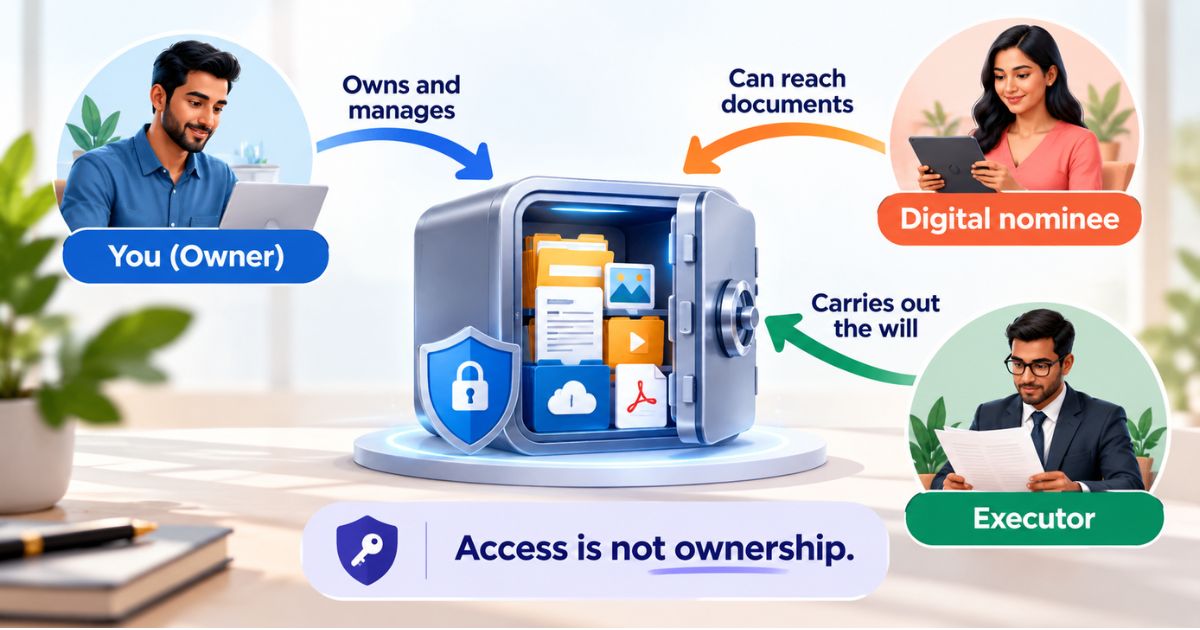
Then add Nominee & Executor Access. You choose who can reach which documents, so your family is not left searching through cupboards and old emails. Files are protected with AES-256-GCM encryption and per-file keys, and they are decrypted only in server memory for authorised requests.
Keep your Aadhaar and PAN in DigiLocker if you like. Use the vault for everything DigiLocker doesn't hold.
Start Free – store what DigiLocker can't
This is general information, not legal, tax or financial advice. Verify with the official source (DigiLocker's official website and the office asking for your document) before acting.
Frequently Asked Questions
Shailesh Nagar
Cloud Infrastructure & Security Contributor
Technology specialist at NexaLifeVault focusing on cloud infrastructure, data resilience protocols, and modern digital asset management.
Share this post
Comments (0)
No comments yet. Be the first to comment!