How to Organize Important Family Documents (2026 Guide)
Learn how to organize important family documents by category, keep them secure, and avoid common mistakes with a practical, step-by-step system.

Most families don't realize how disorganized their important documents are until they need one urgently during a school enrollment, an insurance claim, a loan application, or a medical emergency. Learning how to organize important family documents isn't about creating a perfect filing system; it's about being able to find the right paper or file in under two minutes when it actually matters. This guide walks through what to keep, how to categorize it, and how to keep it both accessible and secure.
What Counts as an "Important Family Document"?
An important family document is any paper or digital record that proves identity, ownership, eligibility, or a legal or financial relationship. If losing it would delay a transaction, an application, or a claim, it belongs in your organized system.
- Identity documents (birth certificates, passports, Social Security cards)
- Legal documents (marriage certificates, custody agreements, wills)
- Financial records (tax returns, loan documents, insurance policies)
- Medical records (immunization history, prescriptions, medical directives)
- Property and vehicle documents (deeds, titles, registrations)
- Education records (transcripts, diplomas, enrollment forms)
Why Organizing Family Documents Matters
Disorganized documents cause real, avoidable problems. A missing birth certificate can delay a passport renewal by weeks. An expired insurance card found too late can complicate a hospital visit. A misplaced will can create confusion during an already difficult time. Organizing documents in advance removes this friction it turns a stressful scramble into a five-minute task.
This matters most during three moments: emergencies (medical, natural disaster, sudden travel), transitions (moving, divorce, a child starting school), and routine administration (tax season, insurance renewals, job applications).
The Document Categories Every Household Needs
Instead of one large pile, split documents into clear categories. This makes retrieval faster and prevents sensitive records from getting mixed in with routine paperwork.
| Category | Examples | Typical Use Case |
|---|---|---|
| Identity | Passport, birth certificate, SSN card | Travel, enrollment, benefits applications |
| Financial | Tax returns, bank statements, loan papers | Loans, audits, mortgage applications |
| Legal | Will, power of attorney, custody agreement | Estate planning, disputes, guardianship |
| Medical | Vaccination records, prescriptions, directives | Doctor visits, school enrollment, emergencies |
| Property | Deed, vehicle title, lease | Selling, refinancing, insurance claims |
How to Organize Family Documents Step by Step
- Gather everything first. Collect all physical and digital documents into one space before sorting this prevents duplicate systems.
- Sort by category, not by family member. Group by type (financial, legal, medical) rather than by person, since most searches start with "what document" rather than "whose document."
- Label clearly and consistently. Use descriptive names like "2025-Tax-Return-Household.pdf" instead of "scan001.pdf" vague filenames are one of the most common reasons documents get lost even when they're technically "saved."
- Create a digital backup of every physical original. A scanned or photographed copy ensures you're not dependent on a single physical piece of paper.
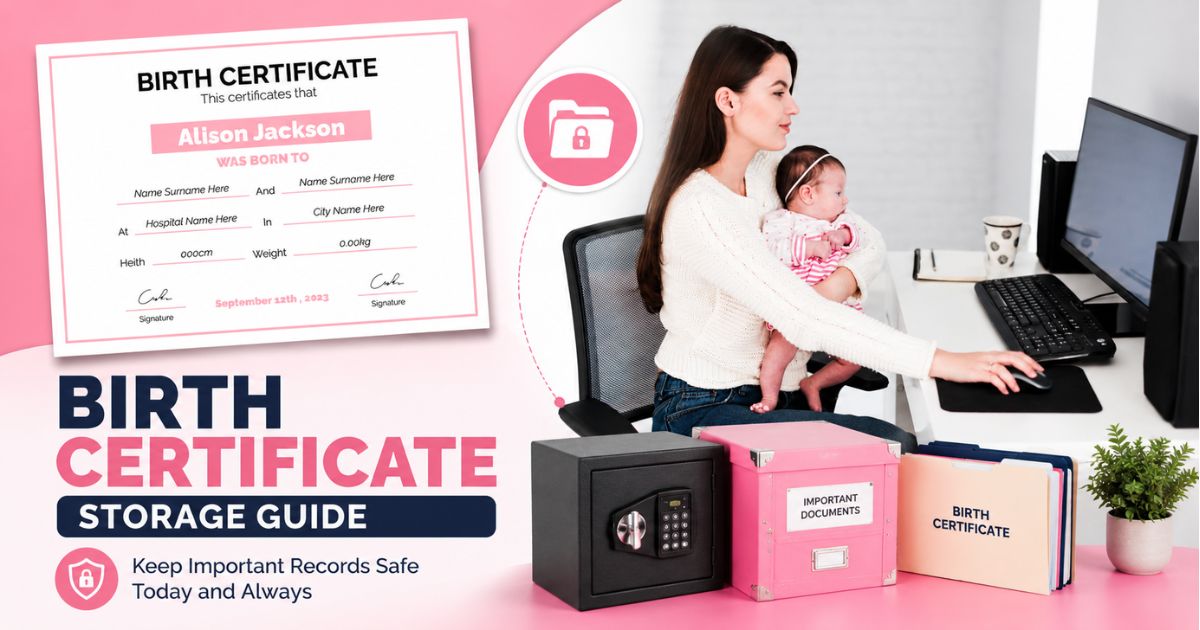
- Store originals securely, separate from daily-use copies. Keep originals (like birth certificates) in a secure location, and use digital copies for everyday reference.
- Set a review schedule. Once or twice a year, check for expired documents, outdated insurance cards, or records that need renewal.
Paper vs. Digital: Which Is Safer?
Neither format alone is sufficient. Paper documents can be lost in a fire, flood, or move. Purely digital documents can become inaccessible if a device is lost, an account is forgotten, or a file format becomes outdated. The most reliable approach combines both: keep essential originals physically secure, and maintain encrypted digital backups that can be accessed remotely if the physical copies become unavailable.
Common Mistakes Families Make
- Keeping everything in one folder. This makes it nearly impossible to find a specific document quickly.
- No digital backup. A single house fire or flood can destroy years of paperwork permanently.
- Vague or inconsistent filenames. "Untitled" and "scan1" waste time during searches.
- Sharing sensitive documents over unsecured channels, like email or messaging apps, without encryption.
- Forgetting to update documents after major life events like marriage, divorce, or relocation.
How to Keep Family Documents Secure and Accessible
Security and accessibility often pull in opposite directions the safest storage is sometimes the hardest to reach quickly. A workable system needs both: strong protection against unauthorized access, and fast retrieval for the people who legitimately need it (a spouse, an adult child, or an emergency contact).
This is where a dedicated system for organizing family records rather than a mix of email attachments, phone photos, and physical folders becomes genuinely useful. Nexa Life Vault's Family Vault is built specifically for this purpose: keeping identity, medical, legal, and financial documents for every family member organized in one place, with controlled access for the people who need it. It doesn't replace good habits like backups and reviews it gives those habits a permanent home.
If your household also manages documents like vehicle titles or home ownership records, the Digital Vault and related storage tools can help keep those separate from personal and medical files while still being easy to cross-reference when needed.
A Note on Country-Specific Requirements
Document requirements are not identical everywhere. In the United States, Social Security cards, state-issued IDs, and estate documents follow federal and state-specific rules. In the United Kingdom, records like National Insurance numbers and wills follow different legal frameworks. In India, documents such as Aadhaar and PAN cards have their own regulatory guidelines. Always confirm specific requirements with the relevant official authority in your country rather than relying solely on general guidance.
Key Takeaways
- Organize documents by category (identity, legal, financial, medical, property) rather than by person for faster retrieval.
- Always keep a digital backup of physical originals to protect against loss or damage.
- Use clear, consistent filenames instead of vague scan names.
- Review and update documents at least annually and after major life events.
- Combine secure physical storage with encrypted digital access for the best balance of safety and accessibility.
- Document requirements vary by country confirm specifics with official local authorities.
Conclusion
Organizing important family documents doesn't require a complicated system it requires a consistent one. Start by gathering everything, sorting it into clear categories, backing it up digitally, and reviewing it regularly. Once that foundation is in place, tools like the Family Vault can help keep everything centralized and accessible to the people who need it, without depending on scattered folders, emails, or drawers.
Frequently Asked Questions
cmp6hs57y000oc2bxnj5buqzv
Editorial Contributor
Author and technology contributor at NexaLifeVault.
Share this post
Comments (0)
No comments yet. Be the first to comment!