Is Storing Documents Online Safe? AES-256 Encryption Explained in Simple Words
Is storing documents online safe? It can be, when each file is encrypted with AES-256, has its own key, and is decrypted only for authorised requests. Learn how it works in plain words, with examples for Aadhaar, PAN and property papers.
Storing documents online can be safe when the service encrypts every file with strong encryption such as AES-256, uses a separate key for each file, and decrypts only for authorised requests. No online storage is risk-free, so you also need a strong password, two-step login and careful sharing habits.
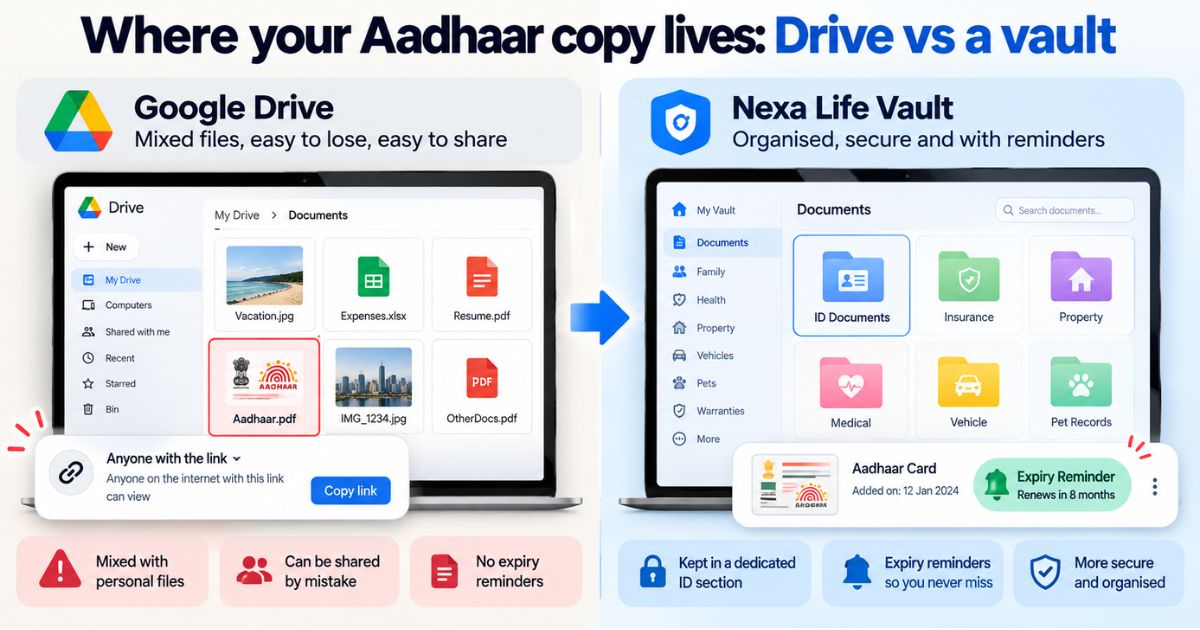
Think of the papers you would panic about losing: Aadhaar, PAN, passport, vehicle RC, property papers, last year's ITR acknowledgement. Many people keep photos of them in a phone gallery or an email draft and hope for the best. So is storing documents online safe, or is it just a different kind of risk? This article explains AES-256, per-file keys and in-memory decryption using everyday examples, so you can judge any online vault for yourself.
Is storing documents online safe compared with paper copies?
Both have risks, just different ones. Paper can be lost in a house move, damaged in a monsoon flood, burnt in a fire or stolen along with a bag. An online copy cannot be rained on, but it can be exposed by a weak password, a phishing message or a badly built service.
The safer choice is rarely one or the other. Keep originals where the rules require them, and keep a protected digital copy so you still have the details when the paper is gone.
Picture someone whose scooter is stolen with the RC inside the seat box. With a digital copy, they can read out the registration details while filing a complaint and applying for a duplicate. Without one, they start from zero.
So the real question is how well the service protects your files and how well you protect your login. The next sections cover the first part. The table further down covers the second.
What is AES-256 encryption in simple words?
Encryption scrambles a file so it looks like random noise to anyone who does not have the right key. AES stands for Advanced Encryption Standard. It is one of the most widely used encryption methods in the industry.
The "256" is the size of the key, measured in bits. A longer key means vastly more possible combinations. Imagine a padlock with so many dial positions that even a computer trying billions of combinations every second would not get through them in any realistic time. That is the idea behind AES-256.
AES is also symmetric, which means the same key locks and unlocks the file. So the key needs more careful guarding than the file itself. That is why the next two ideas, per-file keys and envelope encryption, matter.
What does the GCM in AES-256-GCM mean?
GCM is the mode, meaning the way AES is applied to your data. It does two jobs at once: it scrambles the file and it adds a tamper check. If someone changes even a small part of the encrypted file, the check fails and the file does not open.
Think of a sealed envelope with a tamper-evident sticker. You can tell if someone tried to open it.
What is envelope encryption?
Envelope encryption protects the keys as well as the files. Instead of one key for everything, the system gives each file its own key. That file key is then locked by another, better-guarded key.
Picture every document sitting in its own small locked box. The key to each box is kept inside a sealed pouch that only a stricter process can open. A thief who finds one box key still has to get past the pouch.
Why do per-file keys matter?
Suppose one key is exposed. If a single key protects all your files, everything is at risk. With per-file keys, that one key opens one file, and the damage stays small.
It is the same thinking as not using one key for your home, office and bank locker. Nexa Life Vault gives every file its own key, so your PAN scan and your property papers are never locked with the same one.
Is encryption in storage different from encryption during upload?
Yes, and a good service needs both. Encryption "in transit" protects a file while it travels from your phone to the server. Encryption "at rest" protects it while it sits in storage.
AES-256 is mostly talked about for the second case. If your files are stored encrypted, someone who copies the stored data gets scrambled content, not readable documents. For uploads, use the official app or website, and avoid doing sensitive uploads on public Wi-Fi at a station, café or airport.
What does zero plaintext storage mean?
Plaintext is the readable version of your file. The idea behind zero plaintext storage is that this readable version is not kept on disk. The file rests in encrypted form, and a readable version exists only briefly in memory while an authorised request is being served.
Compare a document left on a desk with one kept in a locked cabinet. The desk copy can be seen by anyone walking past. The cabinet copy comes out only when someone with permission asks for it.
Nexa Life Vault works this way: files are decrypted only in server memory, and only for authorised requests. Because the service performs that decryption when a valid request arrives, who is authorised, and how well you protect your login, still matter a great deal.
What happens to your file in an encrypted vault, step by step?
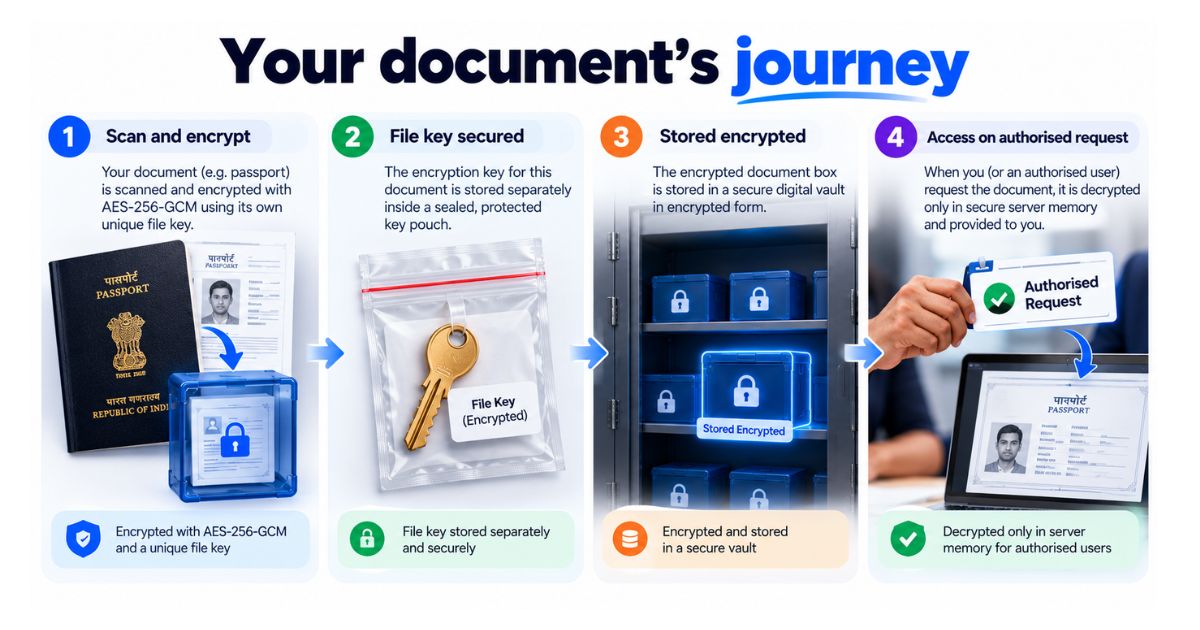
Here is the general path a file takes in a well-designed vault. The example is a scan of your passport.
- You choose the file and upload it.
- The system creates a new key just for that file.
- The file is encrypted with AES-256-GCM, so what gets stored is scrambled.
- The file key is protected too, so it does not sit unguarded next to the file.
- When you, or someone you have authorised, ask to open the file, the system checks the request.
- If the request is valid, the file is decrypted in memory and delivered. No readable copy is saved to disk.
How safe is a digital vault against common risks?
Encryption handles some risks very well and others not at all. This table shows where the protection ends and your own habits begin.
| Risk | What strong encryption does | What you still need to do |
|---|---|---|
| Stored files are copied from the server | Files stay scrambled without the keys | Choose a service that explains how it handles keys |
| One file key is exposed | Per-file keys limit the damage to that one file | Ask how keys are protected |
| Someone guesses your password | Very little, because a logged-in thief looks like you | Use a long, unique password and two-step login where available |
| A message asks for your OTP | None | Never share OTPs or passwords, and open the app directly instead of tapping links |
| Your phone is lost or stolen | Depends on the app and the phone lock | Lock the phone, change your password, sign out other sessions |
| A document goes to the wrong person | None | Share only what is needed and review who has access |
Which documents are fine to store online?
Most people keep these: Aadhaar, PAN, passport, driving licence, vehicle RC, insurance policies, Form 16, ITR acknowledgements, bank statements, rent agreements, property papers and medical reports.
A sensible rule is to store a digital copy of anything you would struggle to replace or would need in a hurry. Give extra care to documents that can be misused for identity fraud, such as Aadhaar, PAN and passport. That means a strong login, careful sharing and prompt clean-up of other copies.
One caution: a scan or photo may not be accepted in place of the original for every purpose. Check with the office that asks for it, such as the passport office, the RTO or the income tax department, before relying on a digital copy. Verify with the official source (the issuing authority's website) before acting.
How can you tell if an online document service is trustworthy?
You do not need to be a technical person. Use this checklist and see how many boxes a service ticks.
- It names the encryption it uses, for example AES-256.
- It explains how keys are handled, not just that files are "encrypted".
- It uses a separate key for each file.
- It says when files become readable, such as only in memory for authorised requests.
- It avoids words like "unhackable" or "100% secure". No honest service can promise that.
- It publishes a security page and FAQs in plain language.
- It lets you decide who can access your documents, including a trusted person in an emergency.
If a service cannot answer points 2 to 4, treat that as a warning sign, however good its marketing looks.
How Nexa Life Vault helps
Nexa Life Vault encrypts every file with AES-256-GCM and gives each file its own key. Files are decrypted only in server memory, and only for authorised requests.
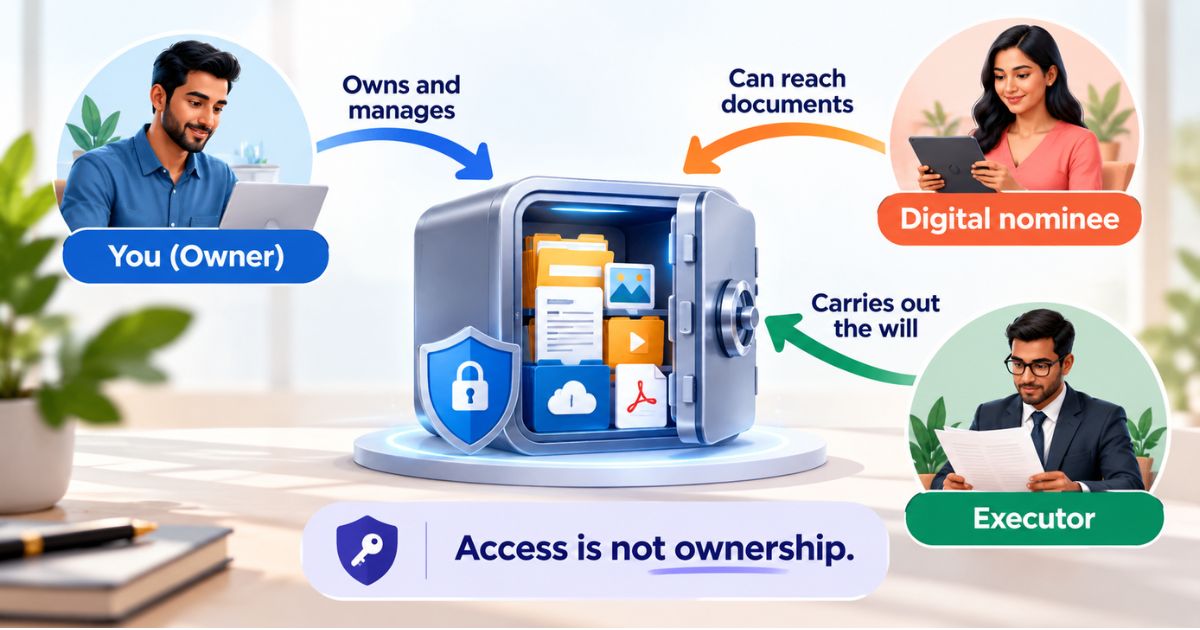
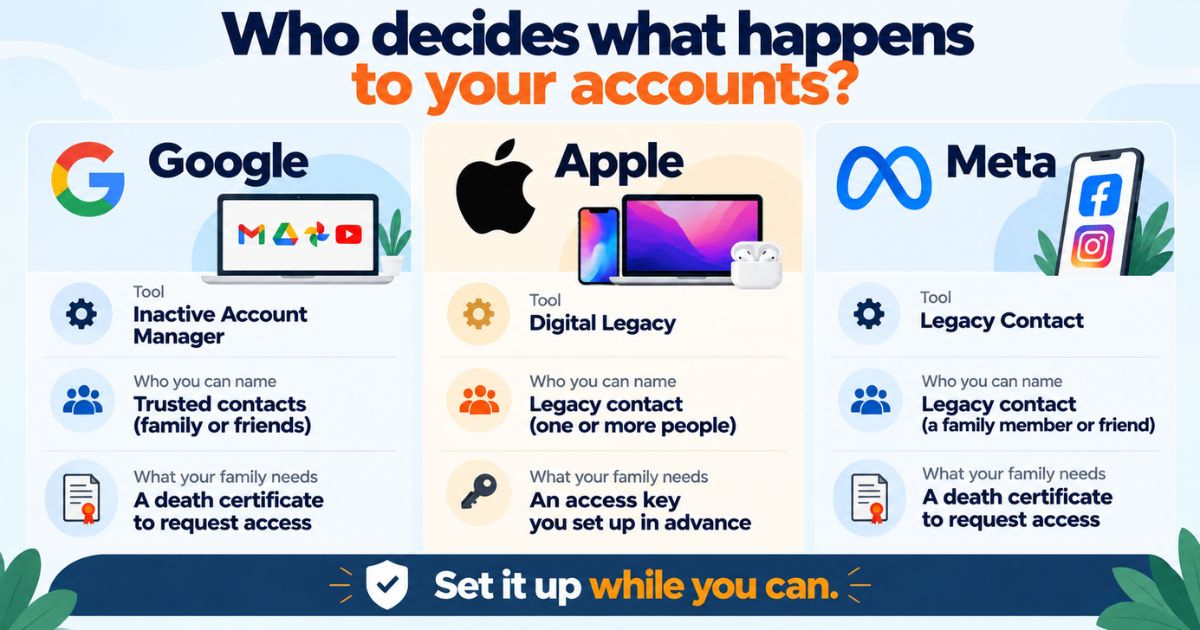
Security is also about who can reach your papers when you cannot. With Nominee & Executor Access, you choose who can get to your documents when they need them, so your family is not left guessing logins at a stressful time.
Conclusion
So, is storing documents online safe? It can be, when files are encrypted with AES-256, each file has its own key, and readable copies are not left lying around. The rest comes down to habit: a strong password, careful sharing and deleting stray copies. Judge any service the way you would judge a locker. Read our security approach to see how Nexa Life Vault protects your files.
Last updated: October 2026. This is general information, not legal, tax or financial advice.
Frequently Asked Questions
Vishal Singh
Full-Stack Developer & Systems Contributor
Full-stack developer at NexaLifeVault specializing in secure web applications, data encryption standards, and digital legacy preservation systems.
Share this post
Comments (0)
No comments yet. Be the first to comment!