Bank Locker vs Digital Vault: Where Should You Keep Original Documents?
Bank locker or digital vault? Learn what each protects, where each falls short, and why most Indian families keep originals in a locker and backup copies in a vault.
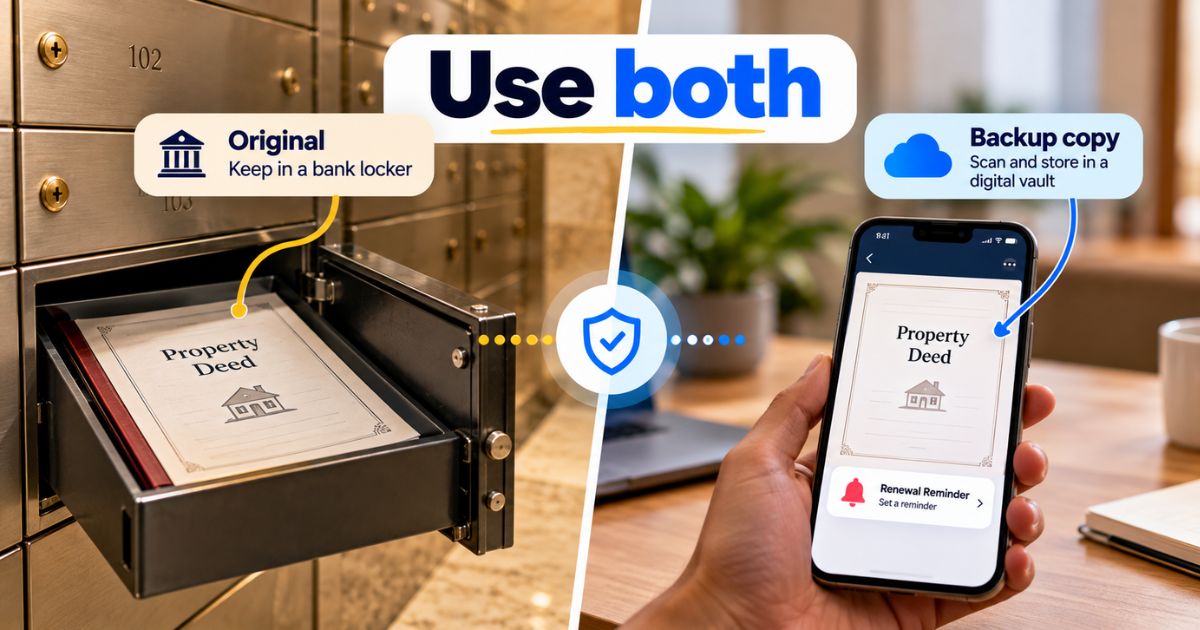
Keep original documents you rarely need, such as property deeds, in a bank locker, and keep digital copies of everything in a digital vault. A bank locker protects paper originals. A digital vault gives fast access and expiry alerts. For most Indian families, using both is safer than relying on either one.
Bank locker vs digital vault sounds like an either-or choice, but it isn't. Say you need your father's sale deed for a home loan on Monday, and it sits in a locker in another city. Or your phone is stolen, and the only photos of your documents were in its gallery. This article compares both options, shows what each does well, and explains which documents belong where.
Last updated: October 2026. This is general information, not legal, tax or financial advice.
What is the difference between a bank locker and a digital vault?
A bank locker is a small metal compartment in a bank's strong room. You rent it, and you open it with your own key plus the bank's key, after identifying yourself. It holds paper originals, jewellery and other physical items.
A digital vault is an online account where you store scanned or photographed copies of your documents. You open it from a phone or laptop. It holds copies, not the paper itself.
That one difference decides most of the comparison. A locker protects the original object. A vault protects your access to the information on it.
Is a bank locker safe for documents?
For everyday risks like household theft, a locker is a strong choice. Your papers sit inside a bank building, away from your home.
But "safe" is not the same as "guaranteed". Three points are worth knowing:
- The bank normally does not know what is inside your locker, and it does not insure the contents.
- The Reserve Bank of India (RBI) has issued guidelines on safe deposit lockers, including how far a bank is responsible if something goes wrong. That responsibility is limited, so you should not treat it as cover for your papers.
- A locker protects against theft. It does not protect you from losing the key, forgetting the branch, or being unable to reach the bank when you need a paper urgently.
Verify with the official source (the RBI website and your bank's locker agreement) before relying on any liability rule.
Which documents should you keep in a bank locker?
Think of documents in a bank locker as the ones that are hard or slow to replace and that you rarely need in person. Common examples:
- Property papers, such as the sale deed, title documents and the allotment letter
- The original will, if you want it away from home (see our guide on how to store a will safely)
- Original share certificates, if you still hold any in paper form
- Marriage certificate and other one-time certificates
- Old policy bonds and fixed deposit receipts
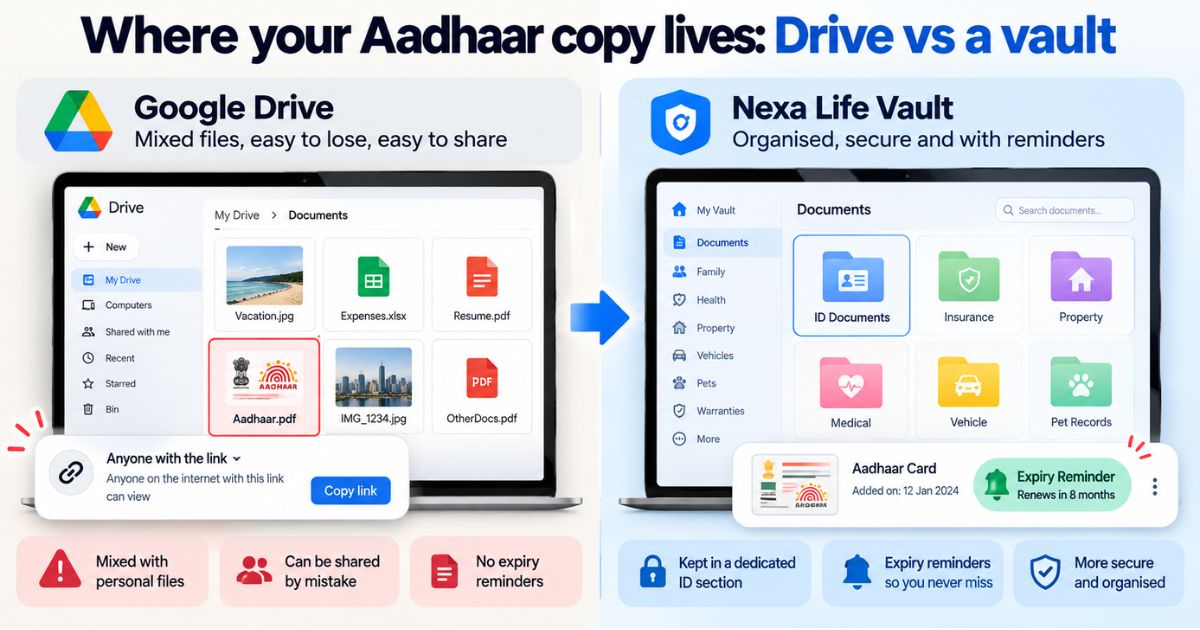
Documents you use often, such as your Aadhaar card, PAN card, driving licence, vehicle RC and insurance papers, are a poor fit for a locker. You would be visiting the bank every time you need them.
What are the downsides of a bank locker?
Lockers have real limits, and they usually show up at the worst moment.
- Limited access. You can only open the locker when the bank is open, and you have to go in person with ID.
- Availability. Some branches have no free lockers, so you may not get one near home.
- Recurring cost. You pay annual rent. Check the current charges with your bank.
- One physical copy. If a document is damaged or misplaced after you take it out, there is no backup.
- Family access. If the locker holder dies, the family must follow the bank's process to open it, which can take time. Ask your bank what that process involves.
What does a digital vault do better?
A digital vault fixes most of the locker's access problems.
- You can reach your copies from your phone at any hour, which helps when a bank, school or employer asks for a document on short notice.
- Search finds a document by name or content, so you don't dig through folders.
- Reminders warn you before a document expires, such as a passport, driving licence or insurance policy.
- You can decide who in your family can see what.
The weak points are different. A vault depends on your password, your phone and the provider's security. And a digital copy of documents is a backup, not a replacement. Many offices still ask for the original or a self-attested photocopy. Some accept digital copies for certain purposes, but this depends on the office and the purpose. Verify with the office asking for the document before assuming a scan will do.
Bank locker vs digital vault: pros and cons compared
| Factor | Bank locker | Digital vault |
|---|---|---|
| What it holds | Paper originals and valuables | Scanned or photographed copies |
| Access | In person, during bank hours, with ID and key | Anywhere, any time, with your login |
| Protection from theft | Strong physical security | Depends on encryption and your password habits |
| Protection from loss or damage | One copy only; limited bank liability | Copy stays available even if the paper is lost |
| Expiry reminders | None | Yes, in vaults that offer alerts |
| Acceptance as an original | Yes, it is the original | Not guaranteed; check with the office |
| Cost | Annual locker rent | Depends on the plan |
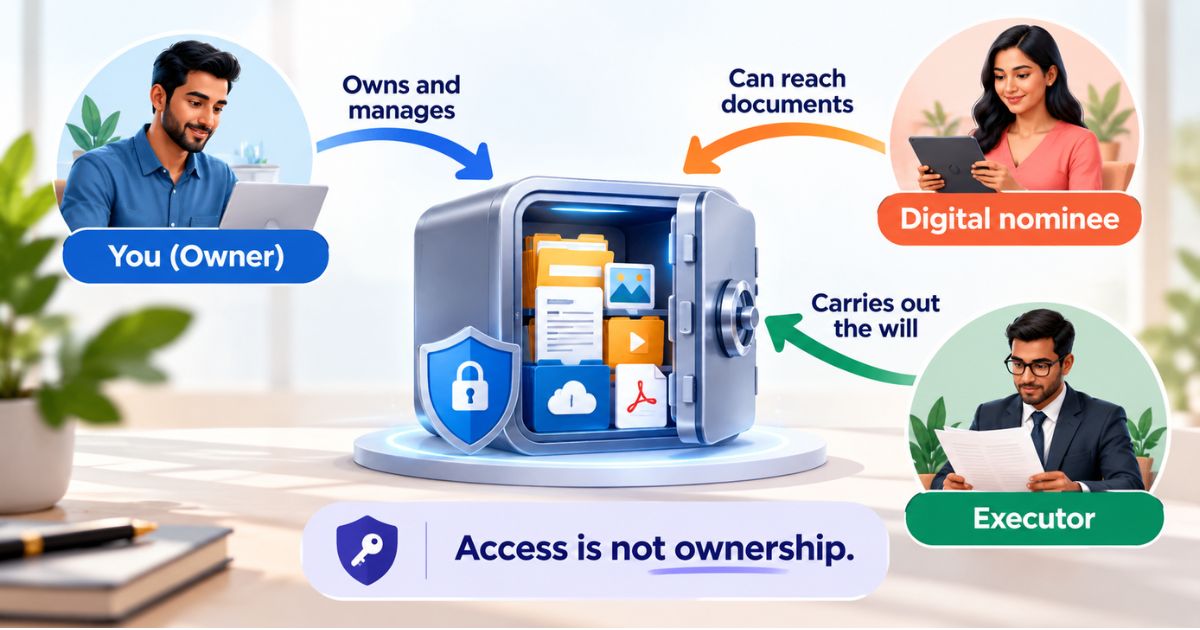
| Access for family | Needs the bank's process | Depends on the nominee options you set |
Read the table as a split of jobs. The locker keeps the original safe. The vault keeps the information within reach.
Should you use both a bank locker and a digital vault?
For most families, yes. Each one covers the other's weakness. The locker has no good answer to "I need this today". The vault has no good answer to "the office wants the original". Together they handle both.
If you only have a handful of papers, a safe spot at home plus a digital backup may be enough, and a locker may not be worth the rent. If you own property or have a will, the locker earns its place.
How do you set up both in one afternoon?
- Sort your papers. Make two piles: originals you rarely need (locker) and documents you use often (keep at home).
- Scan everything. Photograph or scan every page, front and back, in good light. Check that the text is readable.
- Name files clearly. Use names like "Sale-Deed-Flat-2019" rather than "IMG_4521".
- Upload each file to the right place. Property papers fit a home vault, and a will fits a legal vault.
- Add expiry reminders. Do this for anything that renews, such as vehicle insurance, passport and driving licence.
- Record where each original lives. Note the bank, branch, locker number and who holds the key.
- Tell one person. Your spouse, an adult child or your executor should know where to look.
- Review once a year. Add new papers and remove old ones.
What happens to your documents if something happens to you?
This is where many plans fail. The paper may be safe in a locker, but nobody else may know it exists. A good setup answers three questions for your family: where are the originals, where are the copies, and who is allowed to open them.
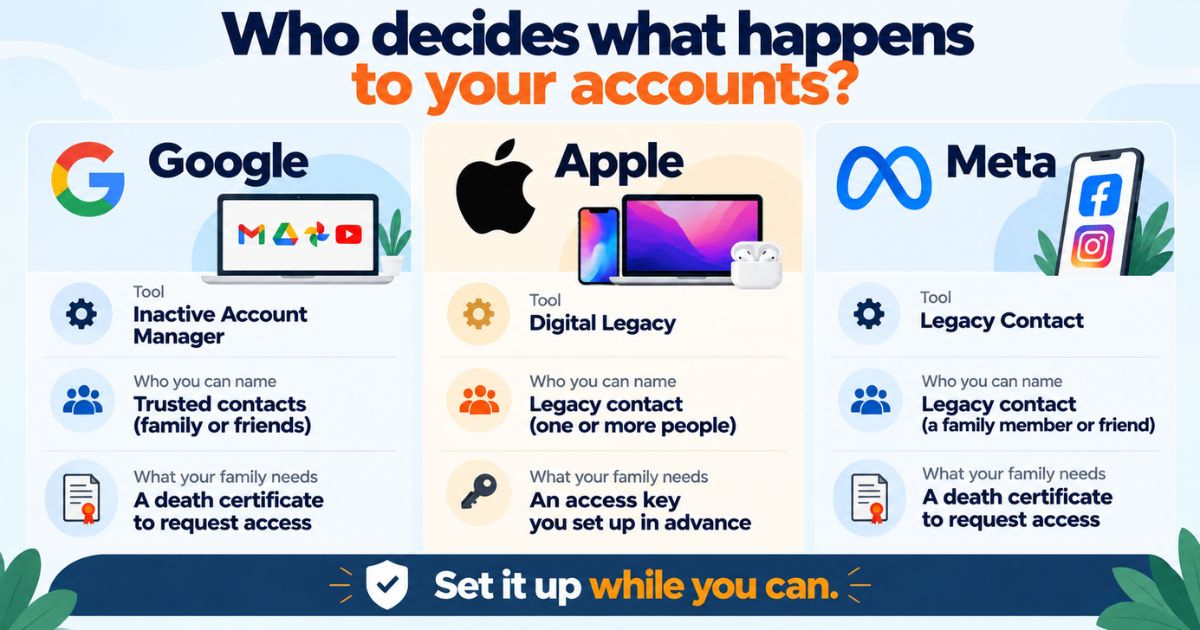
If you hold a will, tell your executor where the original is kept and make sure a copy is easy to find. Our guide on how to store a will safely covers this in more detail. For property papers, keep the scanned copies in your Home Vault so your family has them even before the locker is opened.
Rules on locker access after a death, nominees and succession can change. Verify with your bank and a qualified lawyer before acting.
How Nexa Life Vault helps
Your locker answers where the paper is. Your Legal Vault holds the scanned copies of your will, property deeds and agreements, so you can find them from your phone without a bank visit.
With Nominee & Executor Access, you choose who can reach those files, so your family isn't left guessing what exists. Each file is encrypted with AES-256-GCM using its own key, and files are decrypted only in server memory for authorised requests. No online service is risk-free, so use a strong, unique password. Treat the vault as a backup for your originals, not a replacement for them.
Conclusion
The bank locker vs digital vault debate has a simple answer: stop choosing. Keep the originals that matter in a locker, keep copies of everything in a vault, and tell one person where it all is. Set aside an afternoon, scan what you have, and start by digitising your backup copies today.
Ayush Singh
Software Engineer & Security Systems Writer
Software engineer and tech writer focused on digital security, system reliability, and user-friendly document organization workflows.
Share this post
Comments (0)
No comments yet. Be the first to comment!