Digital Home Organization Tips: Smart Ways to Manage Household Documents
Learn practical digital home organization tips to scan, organize, secure, and back up important household documents with an efficient paperless filing system.
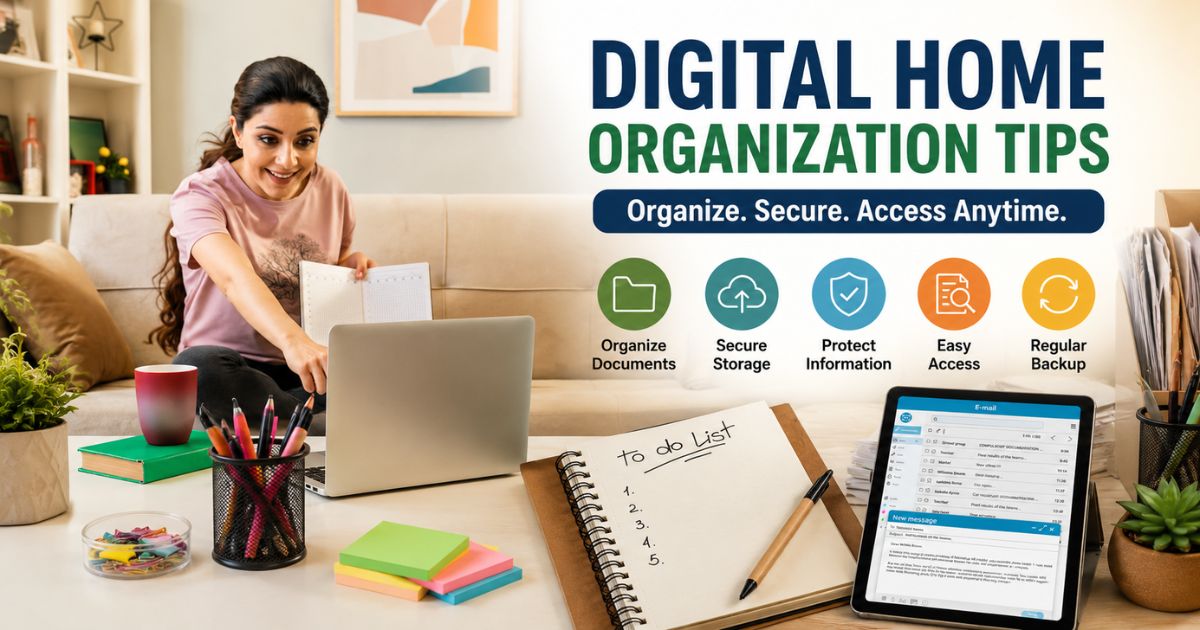
Managing household documents digitally has become one of the easiest ways to stay organized. Instead of searching through filing cabinets or stacks of paperwork, you can securely store, access, and share important records from your computer, tablet, or smartphone whenever you need them.
From property documents and insurance policies to utility bills, warranties, and maintenance records, creating a digital filing system helps reduce paper clutter while protecting your important information from loss or damage.
In this guide, you'll discover practical digital home organization tips, including how to scan documents, organize folders, choose secure storage options, and keep your household records protected. To explore more document management resources, visit our Home Vault, your complete hub for organizing important home records.
Why Digital Home Organization Matters
A digital document system makes everyday home management faster, simpler, and more secure. Whether you're looking for an insurance policy, a property document, or last month's electricity bill, having everything stored digitally saves valuable time and reduces unnecessary stress.
Reduce Paper Clutter
Paper documents can quickly accumulate and take up valuable space. Scanning important records allows you to keep your home office organized while reducing the number of physical files you need to manage.
Access Documents Anytime
Digital files can be accessed from your computer, smartphone, or tablet whenever you need them. This is especially useful when traveling, working remotely, or handling emergencies away from home.
Find Information Faster
Using clearly named folders and searchable PDF files makes it easy to locate documents within seconds instead of searching through paper folders.
Improve Document Security
Password-protected cloud storage and encrypted backups provide better protection against theft, accidental loss, hardware failure, and natural disasters than relying on paper copies alone.
Prepare for Emergencies
Having digital copies of essential household documents ensures you'll still have access to important information if original paper documents become damaged or inaccessible.
Make Family Collaboration Easier
Securely sharing important documents with trusted family members allows everyone to access the information they need without creating duplicate paper files.
Before digitizing your records, make sure you've identified which documents are worth keeping by reading our Home Documents You Should Keep guide.
Documents You Should Digitize
Not every piece of paper needs to be scanned, but many important household documents should have secure digital copies. Digitizing these records makes them easier to organize, search, back up, and access whenever they're needed.
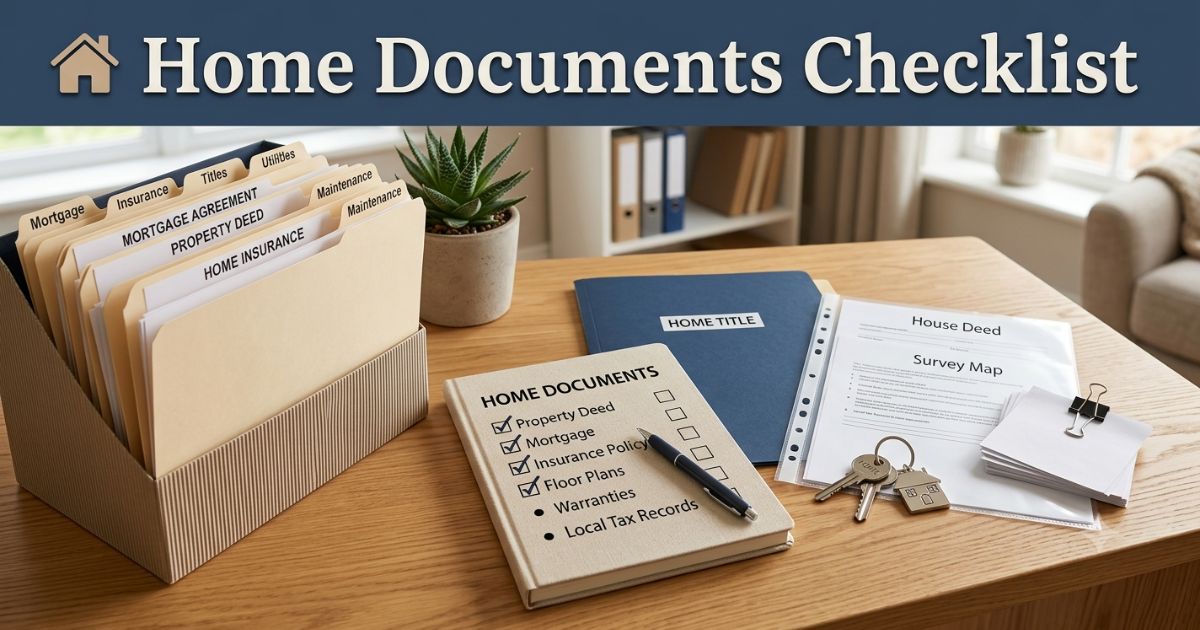
Property Documents
Your property records are among the most valuable documents you own. Keeping digital copies provides quick access while protecting important ownership information.
Consider digitizing:
- Property deeds
- Purchase agreements
- Mortgage documents
- Property tax records
- Survey reports
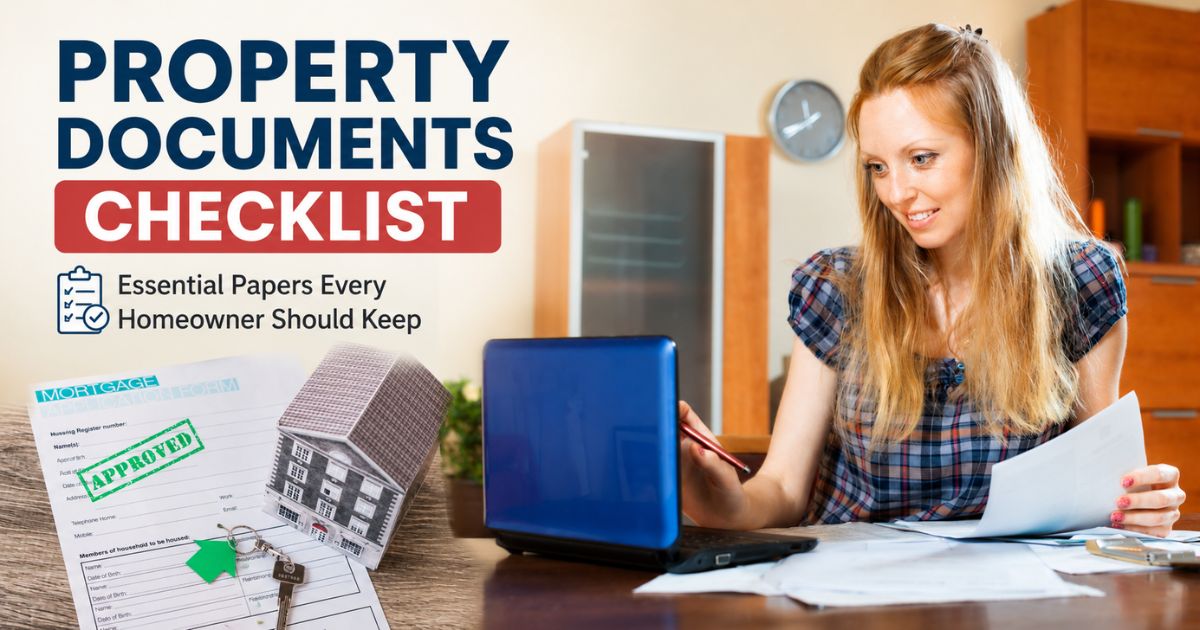
For a complete list of ownership records, see our Property Documents Checklist.
Home Insurance Documents
Insurance paperwork should always be available in case you need to file a claim after theft, fire, flooding, or other unexpected events.
Create digital copies of:
- Insurance policies
- Declaration pages
- Claim records
- Renewal notices
- Premium payment confirmations
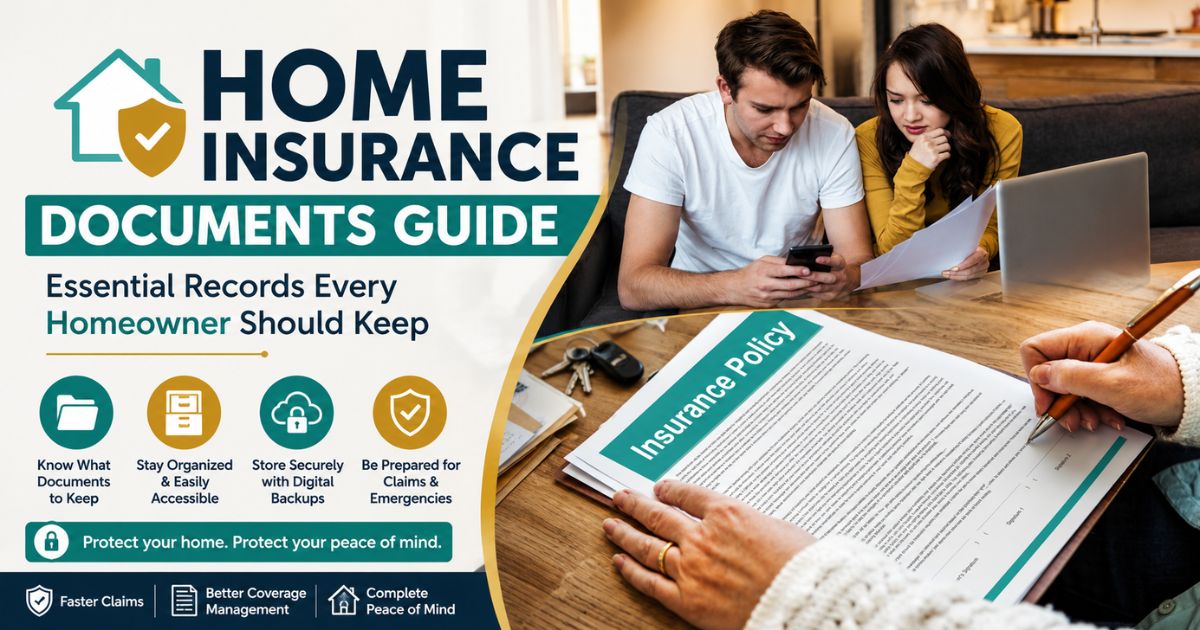
Our Home Insurance Documents Guide explains which insurance records should always be retained.
Utility Bills and Payment Records
Utility bills are often required as proof of address and help you monitor household expenses over time.
Digitize records such as:
- Electricity bills
- Water bills
- Gas bills
- Internet bills
- Payment receipts
Identity and Family Documents
Although original identity documents should always be stored safely, keeping secure digital copies can be helpful when completing applications or verifying personal information.
Examples include:
- Passports
- Birth certificates
- Marriage certificates
- Driver's licences
- National identification documents
Warranty Certificates and Appliance Manuals
Store digital copies of warranties, purchase receipts, and user manuals for major household appliances and electronics.
This makes it easier to locate information when requesting repairs or warranty service.
Home Maintenance Records
Keeping digital copies of maintenance documents helps track repairs and improvements made to your property.
Include:
- Contractor invoices
- Service reports
- Repair estimates
- Renovation receipts
- Inspection reports
Emergency Contact Information
Create a digital document containing important household contact information so it's available whenever needed.
Include:
- Insurance provider
- Utility companies
- Emergency services
- Family contacts
- Trusted contractors
Financial and Tax Documents
Important financial records should also be stored securely in digital form to simplify tax preparation and financial planning.
- Tax returns
- Bank statements
- Investment records
- Loan documents
- Important receipts
Digitizing these essential documents creates a well-organized household filing system that's easier to search, back up, and maintain. Combined with secure physical storage for original documents, a digital archive provides an extra layer of protection against accidental loss.
How to Organize Digital Documents Efficiently
Scanning your documents is only the first step. To make your digital filing system truly useful, you need a clear structure that allows you to quickly find, update, and protect important records. A well-organized system saves time and ensures your household documents remain secure for years to come.
Create a Simple Folder Structure
Instead of saving every file in one location, organize your documents into clearly labeled folders based on category.
For example:
- Property Documents
- Home Insurance
- Utility Bills
- Home Maintenance
- Appliance Warranties
- Financial Records
- Tax Documents
- Personal Identification
Within each folder, you can create subfolders by year to keep everything even more organized.
Use Consistent File Names
A clear naming system makes searching for documents much easier. Instead of generic names like "Document1.pdf," use descriptive file names that identify both the document and the date.
Examples include:
- Home Insurance Policy 2026.pdf
- Electricity Bill January 2026.pdf
- Property Tax Receipt 2026.pdf
- Kitchen Renovation Invoice.pdf
- Water Bill March 2026.pdf
Using the same naming style across all files keeps your digital archive neat and searchable.
Scan Documents in High Quality
Always scan important documents using high resolution so that text remains readable and official seals or signatures are clearly visible.
Whenever possible:
- Save files as PDF format.
- Use searchable PDFs.
- Check scans before deleting paper copies.
- Keep original documents when legally required.
Use Secure Cloud Storage
Cloud storage allows you to access important documents from anywhere while protecting them from hardware failure or accidental loss.
Choose a trusted cloud storage provider and:
- Enable multi-factor authentication.
- Create strong, unique passwords.
- Limit access to trusted family members.
- Review sharing permissions regularly.
Cloud storage works best when combined with additional backup methods rather than being your only storage solution.
Maintain an External Backup
Keep another copy of your digital records on an encrypted external hard drive or SSD. This provides protection if your computer fails or your cloud account becomes temporarily unavailable.
Update your backup regularly so it always contains the latest versions of your important documents.
Protect Sensitive Documents
Some household records contain confidential information such as financial details, insurance policies, identity documents, and property records.
Protect these files by:
- Using password-protected folders.
- Encrypting sensitive documents.
- Keeping security software up to date.
- Avoiding public Wi-Fi when accessing confidential files.
Review and Update Your Digital Archive
Your digital filing system should be reviewed at least once a year. Delete duplicate files, replace outdated versions, and add newly scanned documents to keep your archive accurate and well organized.
To complement your digital filing system, don't forget to organize your paper records as well. Our Utility Bills & Home Records Management guide explains how to manage physical household paperwork alongside your digital files for a complete home document system.
Best Practices for Digital Home Organization
Creating a digital filing system is only the first step. To keep your household records secure, organized, and easy to access, it's important to maintain your digital archive regularly. Following a few simple best practices can help protect your documents while making everyday home management much more efficient.
Review Your Digital Files Every Year
Set aside time once a year to review your digital documents. Remove duplicate files, replace outdated versions, and add newly scanned records to ensure your archive stays current.
This annual review also helps you identify missing documents before they become a problem.
Keep Multiple Backups
Never rely on a single storage location for important documents. A good backup strategy combines:
- Cloud storage
- External hard drive or SSD
- Your primary computer or laptop
Having multiple copies greatly reduces the risk of losing valuable records due to hardware failure, accidental deletion, or cyber incidents.
Secure Sensitive Information
Digital convenience should never come at the expense of security. Protect confidential household records using strong security practices.
- Use strong, unique passwords.
- Enable multi-factor authentication.
- Encrypt highly sensitive files.
- Keep your devices updated with the latest security software.
Share Documents Safely
If you need to send household documents to family members, insurance providers, banks, or contractors, use secure sharing methods instead of sending sensitive files through unsecured channels.
Whenever possible, grant temporary access rather than sharing permanent copies.
Maintain a Simple Folder Structure
A complicated filing system often becomes difficult to maintain. Keep your folder structure simple, logical, and consistent so every household member can easily locate important files.
Review folder names occasionally and reorganize them if your document collection grows significantly.
Common Mistakes to Avoid
- Saving every document in one folder.
- Never creating backup copies.
- Using weak or repeated passwords.
- Keeping outdated or duplicate files.
- Using inconsistent file names.
- Sharing confidential documents without proper security.
- Forgetting to review and update digital records regularly.
Conclusion
Following practical digital home organization tips can make managing household documents much easier. A well-organized digital filing system helps you quickly access important records, reduce paper clutter, protect sensitive information, and prepare for unexpected situations.
By combining secure cloud storage, reliable backups, strong security practices, and a consistent folder structure, you can build a document management system that's both efficient and easy to maintain for years to come.
Frequently Asked Questions
cmp6hs57y000oc2bxnj5buqzv
Editorial Contributor
Author and technology contributor at NexaLifeVault.
Share this post
Comments (0)
No comments yet. Be the first to comment!