How to Share Family Documents Safely: A Complete Privacy Guide
Learn how to share family documents safely using secure file-sharing methods, password protection, and privacy best practices. Protect sensitive family records while ensuring they reach the right people securely.
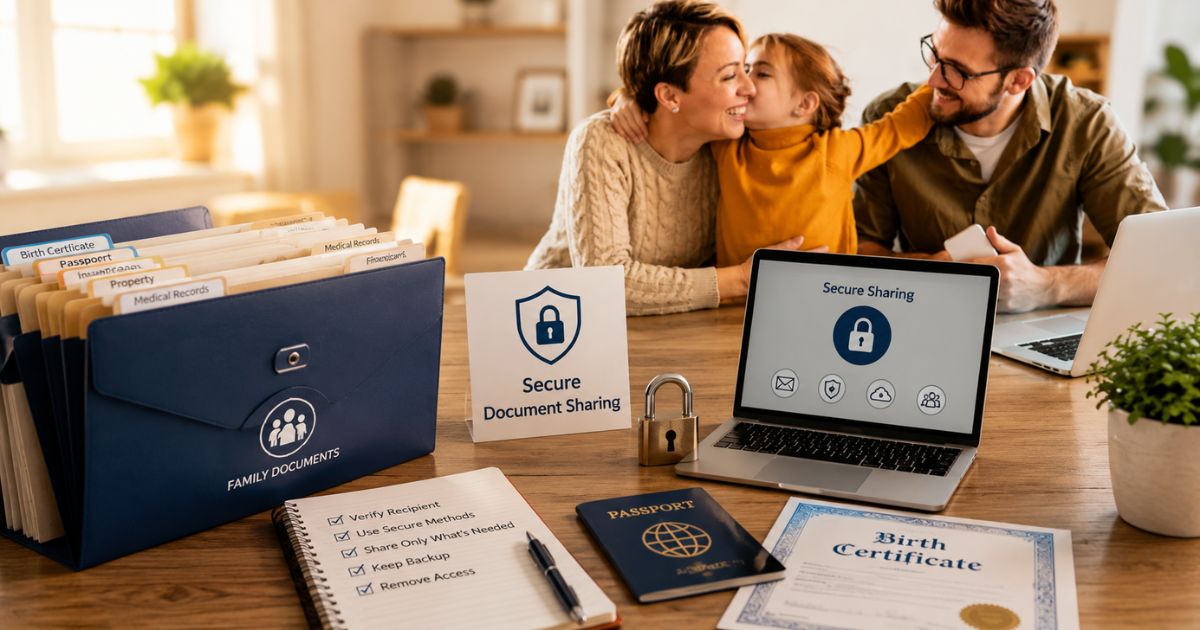
Sharing family documents is a normal part of everyday life. Whether you're enrolling a child in school, applying for a passport, opening a bank account, or submitting an insurance claim, you'll likely need to provide personal records at some point.
However, these documents often contain sensitive information such as names, dates of birth, addresses, identification numbers, and financial details. If they're shared through unsecured channels or sent to the wrong recipient, they could be exposed to unauthorized access, identity theft, or fraud.
Fortunately, protecting your family's information doesn't have to be complicated. By following a few simple security practices, you can safely share important documents while keeping your personal data private.
In this guide, you'll learn when family documents typically need to be shared, the common mistakes people make, and the best practices for sharing records securely. You'll also find a practical checklist to help ensure your family's important documents remain protected every time they're shared.
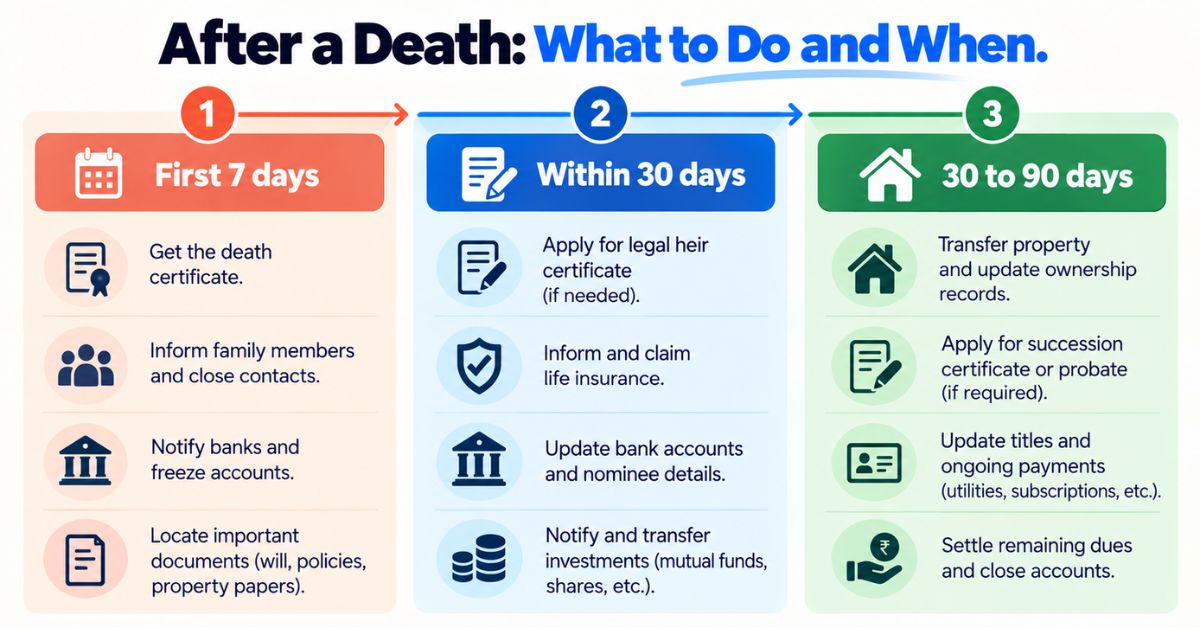
Securely sharing documents is only one part of protecting your family's records. Create a Family Emergency Document Plan so important documents are organized, protected, and ready whenever an unexpected situation arises.
When You May Need to Share Family Documents
There are many situations where families need to share important documents with trusted organizations or individuals. Whether you're enrolling a child in school, applying for a passport, or filing an insurance claim, sharing the right documents is often part of the process.
However, every time you send personal records, there is a responsibility to protect sensitive information. Knowing when and how to share documents safely can help reduce the risk of identity theft, unauthorized access, and data misuse.
School and College Admissions
Educational institutions often request official documents to verify a student's identity, age, and eligibility during the admission process.
Commonly requested documents include:
- Birth certificates
- Identity documents
- Previous academic records
- Proof of residence
- Guardian or parent identification
Before submitting documents, verify that you are sharing them through the school's official portal or authorized admission office.
Passport and Visa Applications
Applying for a passport or visa usually requires several personal and family documents. These records help government authorities confirm your identity and eligibility.
Depending on your application, you may need to share:
- Birth certificates
- Marriage certificates
- National identification documents
- Proof of address
- Supporting legal records
Always upload documents through official government websites or submit them directly to authorized service centers.
Healthcare Providers
Hospitals, clinics, and healthcare providers may request certain documents when registering new patients, processing insurance claims, or providing medical care.
Examples include:
- Identity documents
- Health insurance information
- Medical records
- Emergency contact details
Only provide the documents required for your appointment or treatment, and avoid sharing unnecessary personal information.
Banks and Financial Institutions
Banks often require identity verification before opening accounts, approving loans, or completing financial transactions.
You may be asked to share:
- Government-issued identification
- Proof of address
- Tax-related documents
- Income verification records
Whenever possible, submit documents using the bank's secure online portal or directly at an official branch.
Insurance Companies
Insurance providers may request documents when issuing policies, updating personal information, or processing claims.
Depending on the situation, they may require:
- Identity documents
- Birth certificates
- Medical records
- Property documents
- Claim-related paperwork
Sharing accurate documents through official communication channels helps speed up the verification process while protecting your personal information.
Government and Legal Services
Government departments and legal professionals frequently request official records for applications, registrations, and legal matters.
These situations may include:
- Citizenship services
- Tax registration
- Property transfers
- Court proceedings
- Legal documentation
Always confirm that the request comes from a legitimate authority before sharing sensitive family records.
Many of these situations require you to provide confidential personal information. In the next section, we'll look at the common mistakes people make when sharing family documents—and how to avoid them.
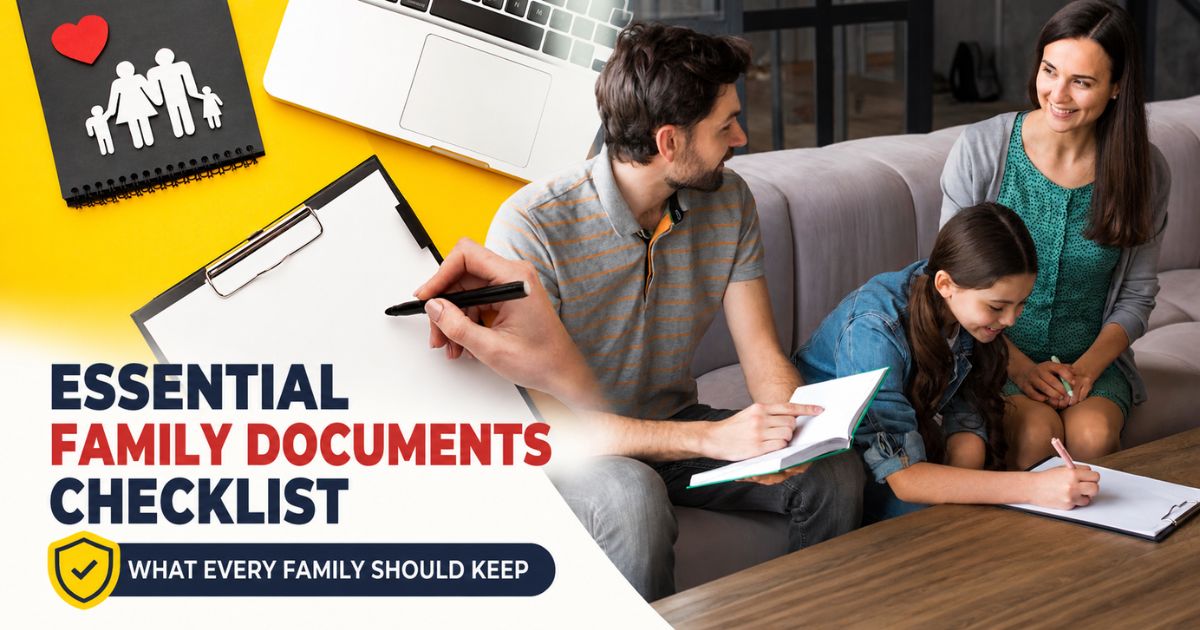
Before sharing any record, make sure it is properly organized and easy to locate. If you're still organizing your important paperwork, read our Essential Family Documents Checklist to ensure your family's records are complete and up to date.
Common Mistakes People Make When Sharing Family Documents
Many people focus on organizing important family records but overlook how they share them. A single mistake—such as sending documents through an unsecured channel or sharing more information than necessary—can expose sensitive personal data.
By understanding these common mistakes, you can better protect your family's privacy and reduce the risk of identity theft or unauthorized access.
Sending Documents Through Unsecured Email
Email is convenient, but it isn't always the safest way to send confidential documents. Standard email messages can be intercepted or accessed if an account is compromised.
If email is the only available option, consider protecting files with a password and sharing the password separately through another trusted communication method.
Sharing Documents in Messaging Apps or Group Chats
Many people quickly send documents through messaging apps without considering who may have access to them. Sharing sensitive records in family groups or public chats increases the chance of accidental exposure.
Whenever possible, send documents only through private conversations and only to the intended recipient.
Using Public Cloud Links
Cloud storage services make document sharing easy, but public links can sometimes be forwarded to others without your knowledge.
Instead of creating publicly accessible links, use secure sharing options that:
- Restrict access to specific people
- Require recipients to sign in
- Allow you to remove access later
- Support expiration dates for shared files
These features provide greater control over who can view your documents.
Sharing Original Documents Unnecessarily
Not every organization needs your original documents. In many situations, a certified copy or scanned copy is sufficient.
Before sending original records, confirm whether they are actually required. Keeping originals safely stored reduces the risk of loss or damage.
Sending More Information Than Required
Sometimes people send entire folders of documents when only one or two records are requested.
Only provide the specific documents needed for the task. Limiting the amount of personal information you share helps reduce unnecessary exposure.
Failing to Verify the Recipient
One of the biggest security mistakes is sending sensitive documents to the wrong person or organization.
Before sharing any family record:
- Verify the email address
- Confirm the official website
- Double-check phone numbers
- Ensure you're communicating with an authorized representative
Taking a few extra moments to verify the recipient can prevent serious privacy issues.
Leaving Shared Files Accessible Forever
Many cloud storage services allow shared files to remain accessible indefinitely. If access is never removed, documents may continue to be available long after they are needed.
After the recipient has received the documents, consider:
- Removing sharing permissions
- Deleting temporary upload links
- Revoking access for unused shared folders
This simple step helps reduce long-term exposure of sensitive information.
Not Keeping a Personal Backup
Before sending any important family document, always keep a secure backup copy. If files are accidentally deleted, modified, or lost during the sharing process, you'll still have access to the original record.
A well-organized backup system also makes it easier to resend documents if they're requested again in the future.
Avoiding these common mistakes is the first step toward protecting your family's personal information. In the next section, we'll look at the best practices for sharing family documents securely while maintaining privacy and control.
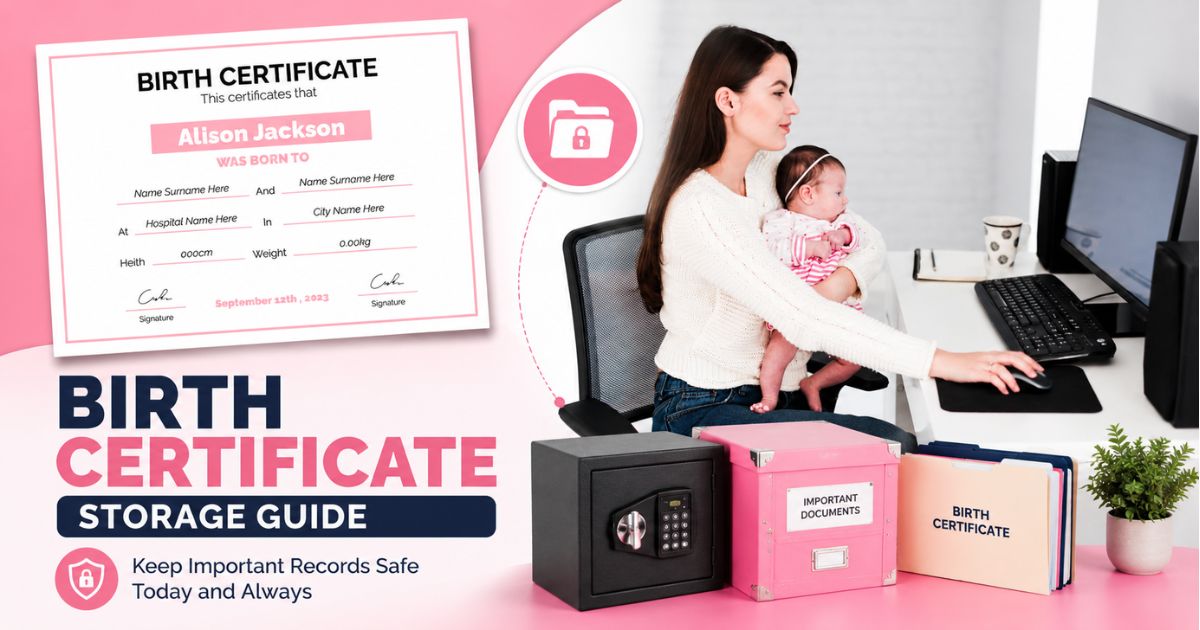
Your birth certificate is just one piece of your family's important paperwork. Explore our Important Documents for Loved Ones guide to discover other essential records every family should organize and protect.
Best Practices for Sharing Family Documents Securely
Sharing important family documents doesn't have to compromise your privacy. By following a few simple security practices, you can protect sensitive information while ensuring the right people receive the documents they need.
Whether you're sending records to a school, healthcare provider, bank, or government agency, taking extra precautions can significantly reduce the risk of unauthorized access or identity theft.
Share Documents Only Through Trusted Platforms
Whenever possible, use official websites, secure customer portals, or trusted file-sharing platforms instead of public websites or unsecured communication channels.
Before uploading or sending documents, verify that:
- The website is official
- The connection is secure (HTTPS)
- The recipient has requested the documents
- The upload portal belongs to the correct organization
Using trusted platforms helps protect sensitive family information during the sharing process.
Protect Files with Passwords
If you're sending scanned documents electronically, consider protecting the file with a password. This adds an extra layer of security in case the file is accidentally sent to the wrong person or intercepted during transmission.
For better security:
- Use a strong password
- Share the password separately from the document
- Avoid using easily guessed information such as birthdays or names
This simple step can make unauthorized access much more difficult.
Use Secure Cloud Storage Sharing
Cloud storage platforms can be a convenient way to share family documents, but they should be configured carefully.
When sharing files through cloud storage:
- Allow access only to specific people
- Disable public sharing links whenever possible
- Set link expiration dates if available
- Remove access after the documents have been received
Following secure sharing practices helps keep confidential information under your control.
To learn more about protecting cloud-based files, read our guide on Cloud Storage Best Practices.
Share Only the Required Documents
Before sending any records, carefully review the request and provide only the documents that are actually needed.
Avoid sharing:
- Additional identity documents
- Financial information that wasn't requested
- Medical records unrelated to the request
- Entire document folders when a single document is sufficient
Limiting the amount of personal information you share helps reduce unnecessary privacy risks.
Protect Your Digital Copies
Digital versions of family documents deserve the same level of protection as physical records.
Store digital copies using:
- Strong passwords
- Multi-factor authentication
- Encrypted storage when available
- Regular backups
Protecting digital copies helps prevent unauthorized access if devices or online accounts are compromised.
Keep Track of Shared Documents
It's helpful to maintain a simple record of when and with whom important documents have been shared.
You may want to note:
- Date shared
- Recipient
- Purpose of sharing
- Documents provided
- Whether access has been removed
This information can help you manage sensitive records more effectively and reduce the chance of documents remaining accessible longer than necessary.
Sharing family documents securely is about balancing convenience with privacy. By using trusted platforms, limiting the information you share, protecting digital files, and monitoring document access, you can keep your family's personal information safe while still meeting everyday requirements.
Before You Share Any Family Document: A Simple Security Checklist
Before sending any important family document, take a few moments to review your information and confirm that everything is secure. A simple checklist can help prevent common mistakes and reduce the risk of exposing sensitive personal data.
Whether you're sharing documents with a school, bank, healthcare provider, or government agency, following these steps can help protect your family's privacy.
Verify the Recipient
Always confirm that the person or organization requesting the documents is legitimate before sharing any personal information.
Take a moment to verify:
- The official email address
- The organization's website
- Contact details
- The purpose of the request
If something seems unusual or unexpected, contact the organization directly before sending any documents.
Review the Documents Carefully
Double-check every document before sharing it to ensure the information is accurate and complete.
Make sure:
- The correct document is attached
- The scan is clear and readable
- No unnecessary pages are included
- Personal information is accurate
Taking a few extra minutes to review documents can help prevent delays and avoid sending incorrect information.
Keep Secure Backup Copies
Always keep a backup copy of any important document before sharing it.
Maintaining secure backups allows you to recover information if files are accidentally deleted or if the recipient requests another copy in the future.
Learn how to create a reliable backup strategy in our guide on Backup Your Important Digital Files.
Protect Sensitive Digital Files
If documents are being shared electronically, protect them using appropriate security measures whenever possible.
Consider using:
- Password-protected files
- Encrypted cloud storage
- Multi-factor authentication
- Secure download links
These simple precautions can help reduce the risk of unauthorized access during the sharing process.
Remove Temporary Access After Sharing
If you've shared documents through cloud storage or file-sharing platforms, remember to remove access once the recipient has downloaded the files.
Review:
- Shared folders
- Download links
- Guest permissions
- Temporary access settings
Removing unnecessary access helps keep your family documents private and secure.
Create a Family Document Sharing Plan
Families benefit from having a simple process for managing important records. Decide who is responsible for storing documents, who can access them, and how they should be shared when needed.
A clear document-sharing plan helps reduce confusion during school admissions, healthcare visits, financial applications, and family emergencies.
Many of the documents you share such as birth certificates, passports, and identity records should first be stored securely before they're sent to anyone. If you're looking for practical tips on protecting one of your most important family records, read our How to Store a Birth Certificate Safely: Complete Guide.
Conclusion
Knowing how to share family documents safely is an important part of protecting your family's privacy. By verifying recipients, sharing only the required information, using secure platforms, and protecting digital copies, you can significantly reduce the risk of unauthorized access and identity theft.
Combining secure document sharing with organized storage and regular backups creates a strong foundation for protecting your family's most important records.
For more helpful resources on organizing and safeguarding important family records, visit our Family Vault page.
Frequently Asked Questions
cmp6hs57y000oc2bxnj5buqzv
Editorial Contributor
Author and technology contributor at NexaLifeVault.
Share this post
Comments (0)
No comments yet. Be the first to comment!